
POD
For print-on-demand & fulfillment
Yesterday: more orders meant more people.
Today: grow orders, not headcount.
In print-on-demand every shirt is its own order. Someone finds the file, picks the garment, loads the pallet and matches the print to the order, for every single piece. At thousands of orders a day, that handling becomes your biggest cost per shirt, and in peak season the people you need are the hardest to find.
aeoon Kyo Link and the Milow workflow software take those steps off your team. Orders come in from your shop, the garment is scanned, and the right job is assigned automatically.
- Made in Austria since 2011
- Open interfaces: OPC-UA & REST
- Built for multi-shift and 24/7
Handling on every shirt$0.551.5 min × $22/h
With Kyo Link and Milow: order data flows in automatically, the garment is scanned and the matching job is loaded. How much handling that removes in your operation, we work out with your order profile in a livestream.
Example values. Enter your own: file search, picking, loading, matching to the order. Handling only, without printing, curing and packing.
Up to, in production mode. Actual output depends on material, operator and design size, and on the level of automation.
Orders are not the problem. Handling is.
Every touch a person makes between order and finished shirt costs time and money, and it multiplies with every order. Here is where it happens, and how an aeoon line handles it.
Handling
Find the file, pick the garment, set up the job, match the print to the order. By hand, for every piece.
Scan the garment, the job is assigned. Reduced manual handling and operator dependency on Kyo Link.
Order data
Orders were exported from the shop, sorted in spreadsheets and printed as job lists.
Milow takes the orders from your shop or order system via API and prepares every job for the line. No exports, no lists.
Peak season
More orders meant hiring and training temporary staff, fast, every year again.
The same team handles more orders, because the line does the steps that used to need extra hands.
Errors
Wrong design on the wrong shirt. Every mix-up means a reprint, a delay and often a bad review.
The scan decides, not memory. The job belongs to the garment, from order to print.
Scaling
Another printer meant another operator and another island on the floor.
One platform from Compact Ai1 to Kyo Link. Add capacity and automation step by step, with the same workflow and the same software.
Workflow software
Milow: the software that runs the line
The printer is only half the answer. Milow connects your orders to your machines, so the people on your floor stop doing what software can do.
- 1
Orders in
Milow receives orders from your shop or order management system via API. No exports, no job lists.
- 2
Jobs ready
Every order becomes a print job, prepared and waiting for the right garment.
- 3
Scan & print
At the Kyo Link, the garment is scanned and the matching job is loaded automatically.
See Milow in a live demo Bring a few of your real orders and we walk them through the workflow with you.
Automate where it pays
Not every fulfillment operation needs a fully automated line on day one. Smaller setups often start with an all-in-one system and add automation when order volume makes manual handling the bottleneck.
In a livestream we look at your daily order profile and show which setup fits today, and what the next step would be.
Book a live demoStart here if…
- you're building a POD shop
- order volume is growing but still manageable by hand
- floor space is limited
→ Compact Ai1 or Kyo
Automate if…
- thousands of unique jobs run every day
- you run multiple shifts or 24/7
- orders come in through an OMS / ERP
→ Kyo Link
Systems for fulfillment
From a compact POD setup to a connected, automated line.
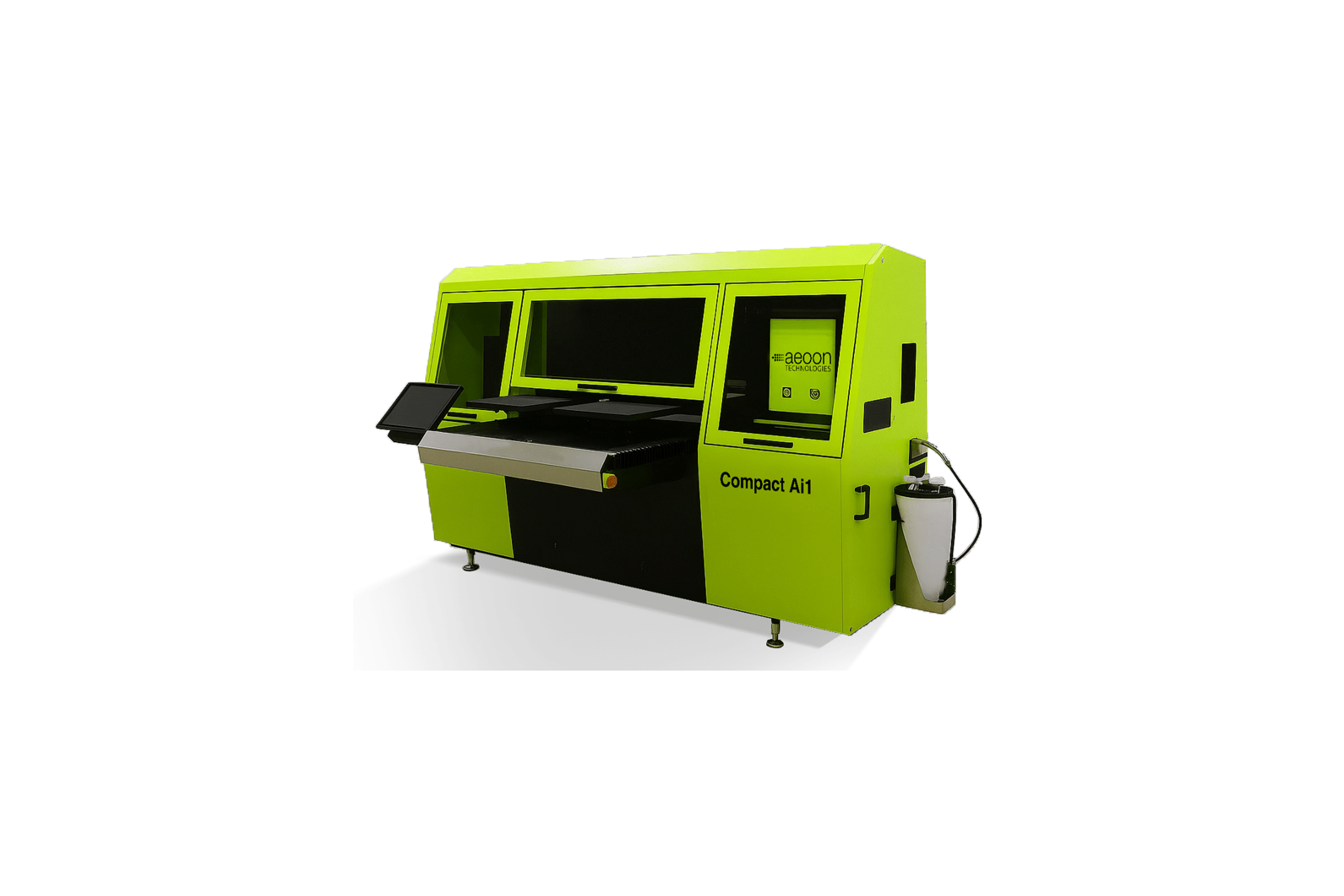
Compact Ai1
Pretreatment and printing in one system. The all-in-one entry for smaller POD setups.
- Output
- up to 60 prints/h
- Pretreatment
- integrated, wet-on-dry
- Operation
- one-operator concept
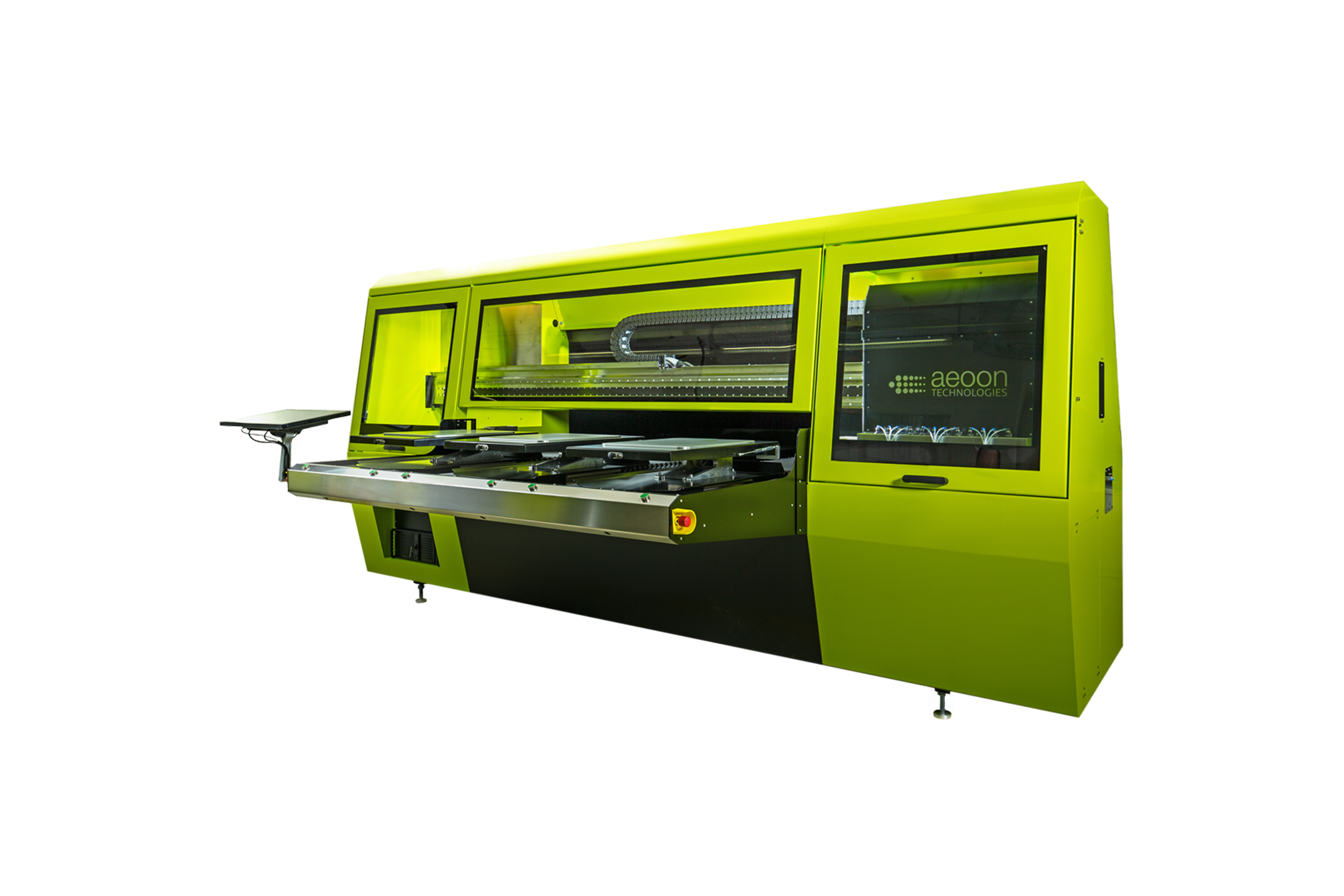
Kyo / Kyo Plus
High-volume DTG for continuous production. Kyo Plus adds integrated pneumatic heat presses.
- Output
- up to 150 prints/h
- Per day
- up to 1,200 prints
- Operation
- multi-shift / 24/7
Kyo Link
Automated DTG production for data-driven fulfillment, with integrated scanner and workflow intelligence. Runs with Milow.
- Output
- up to 180 prints/h
- Per day
- up to 1,440 prints
- Interfaces
- OPC-UA, REST, ERP
Output figures are maximum values in production mode. Actual output depends on material, operator and design size.
Built to run, not to demo
Made in Austria
Developed and built in Kramsach, Tyrol, since 2011.
Open by design
OPC-UA and REST interfaces, ERP connection, compatible with pretreatment, dryers and finishing.
Certified inks
Water-based pigment inks approved by GOTS and OEKO-TEX.
Start small, automate later
One platform from Compact Ai1 to Kyo Link, with the same workflow and software.
Judge the quality your customers will get.
Your reviews depend on every single shirt. Hold real production prints in your hands before you decide.
- Real DTG production prints, free of charge
- Printed on the Compact Ai1 or on industrial production systems such as Kyo
- On the material you choose: cotton, blends or polyester
Want to see the automated flow? Book a Kyo Link & Milow livestream
Setup check: the page script did not run. Make sure the whole file was pasted into an HTML block (not the text editor), then open the preview again.
- 1 · Contact
- 2 · Shipping & samples
- Done
Get your free sample box
Real industrial DTG prints on different garments and colours. Wash them, stretch them, compare them.
Questions fulfillment teams ask us
How much handling can automation really remove?
That depends on your order profile: how many orders, how many single pieces, how many designs. Bring your numbers to a livestream and we go through your current workflow step by step, from order to finished shirt.
Can the system connect to our order management or shop system?
Yes. Milow receives orders via API, and aeoon systems have open interfaces (OPC-UA, REST) for order management and ERP. In a consultation we check how your shop or OMS connects.
How many prints per day can we realistically plan with?
Kyo Link is specified for up to 1,440 prints per day, Kyo / Kyo Plus for up to 1,200. Actual output depends on material, operator and design size. We calculate with your real order mix in the livestream.
How are single pieces and large batches handled in the same line?
The garment is scanned and the matching job is assigned automatically, so the next shirt can carry a different design without setup.
What does a print cost?
It depends on the garment, design size and ink coverage. We calculate it with your real designs, together with the handling cost from your current workflow.
Can we start small and automate later?
Yes. The systems share one platform, so you can start with Compact Ai1 or Kyo and move to Kyo Link and further automation as volume grows.